Four formats
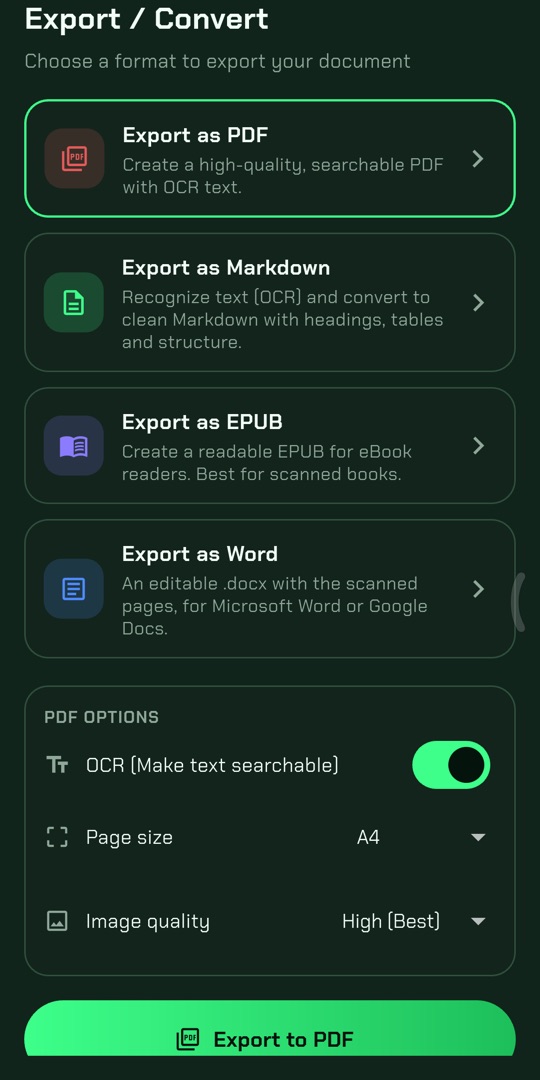
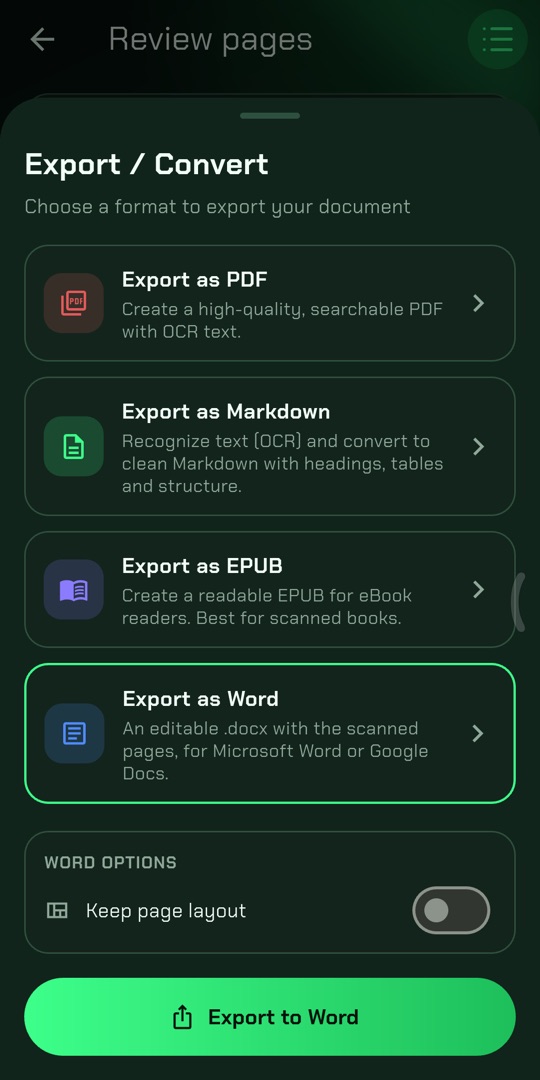
Markdown (one file per page), reflowable EPUB, searchable PDF and Word. Convert the same scan to as many formats as you need.

Book & document scanner
Photograph book pages with your phone and JadeScan converts them into Markdown, EPUB, searchable PDF or Word — in the original page order, column by column, with formulas and symbols kept readable.
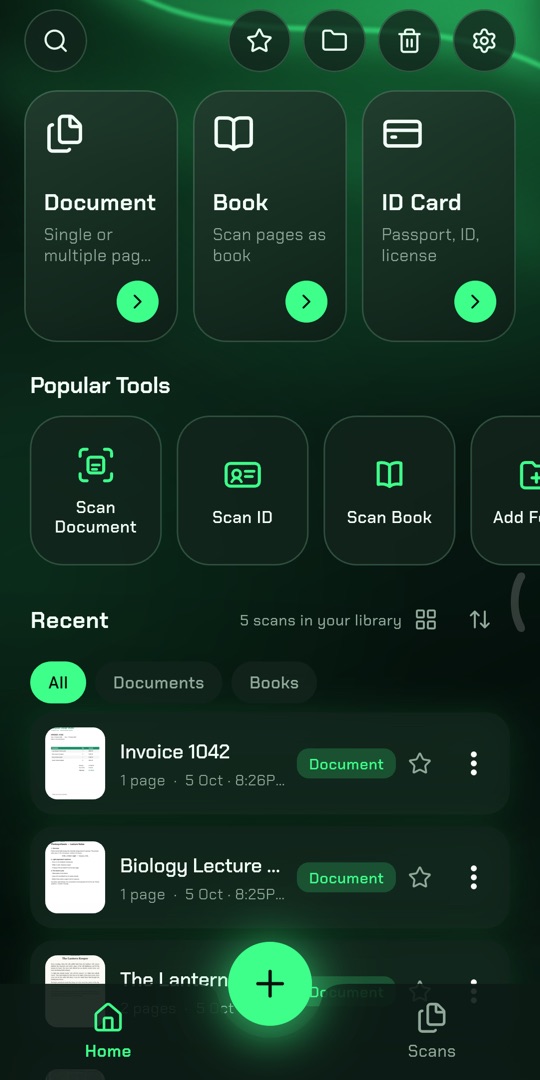
Markdown (one file per page), reflowable EPUB, searchable PDF and Word. Convert the same scan to as many formats as you need.
Multi-column pages are read column by column, with page titles first, so exam papers and textbooks come out in the order you read them.
Exponents, subscripts, fractions and Greek letters stay readable (10⁻¹⁹ C, m₁, Ω). Markdown can also write the maths as LaTeX.
Keeps your original scan exactly as it looks and adds an invisible text layer, so you can search and copy the text.
No sign-up, no email, no password. Your scans stay in the app on your phone; only the pages you convert are sent to our servers.
Uploaded pages and converted files are removed from our servers automatically. Save your results in the app and they are yours.
From the first photo to the finished file, every step happens in the app.
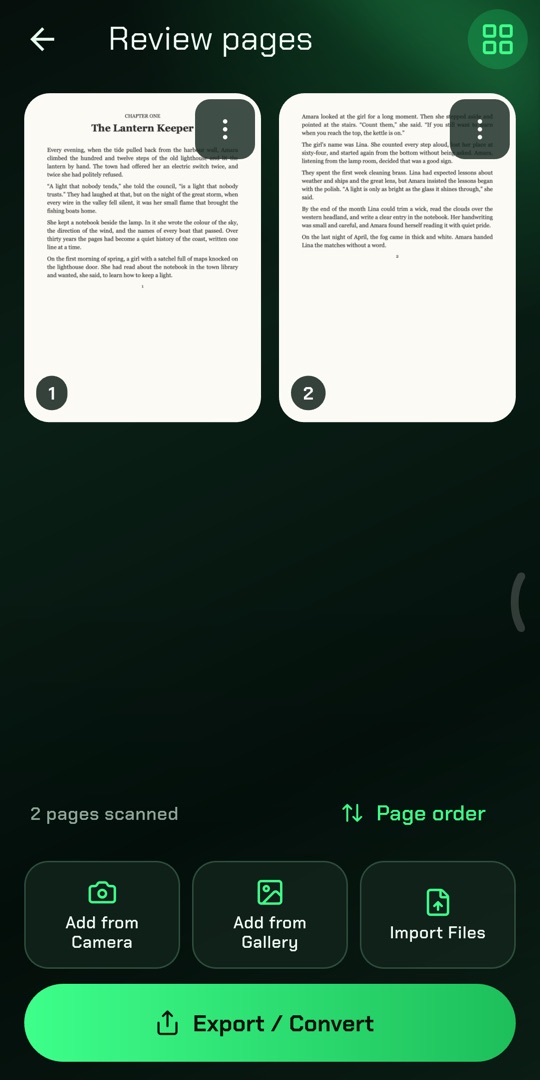
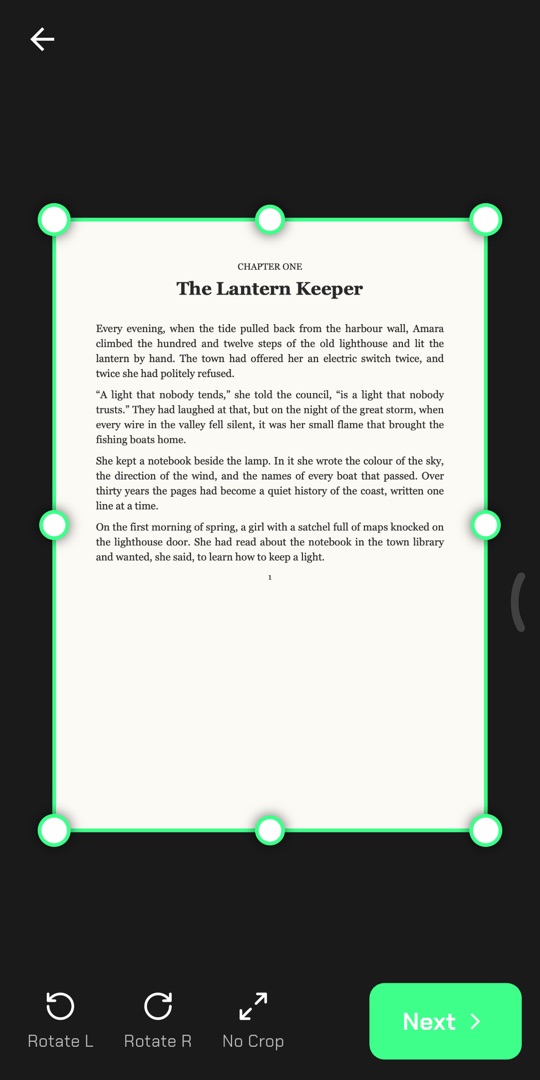
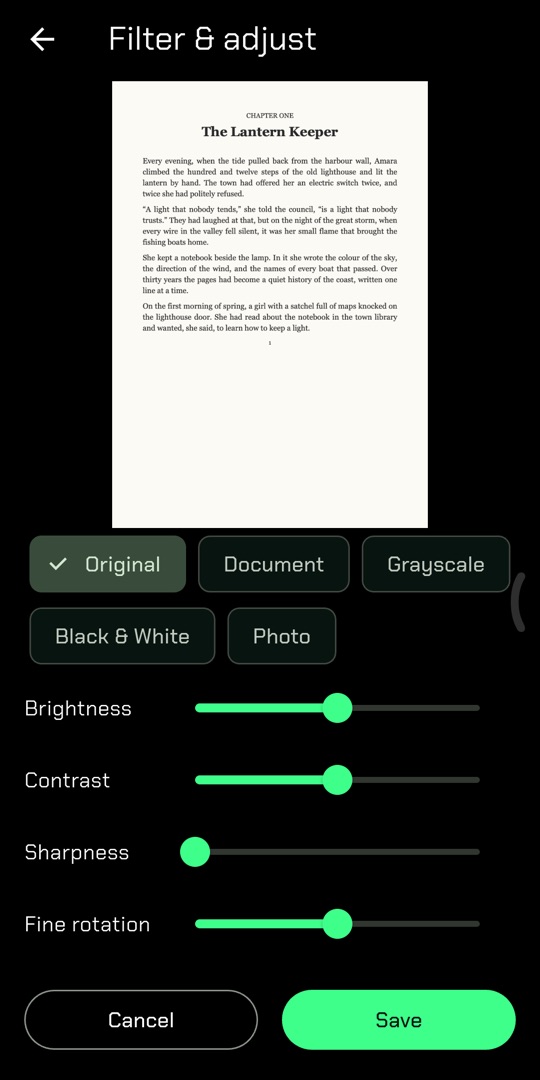
Use the camera to capture book or document pages, or import photos and PDFs you already have. Crop, filter, reorder or rescan pages before you continue.
Pick Markdown, EPUB, PDF or Word. JadeScan reads every page in order — blank pages are kept and pages it cannot read are clearly marked, never skipped.
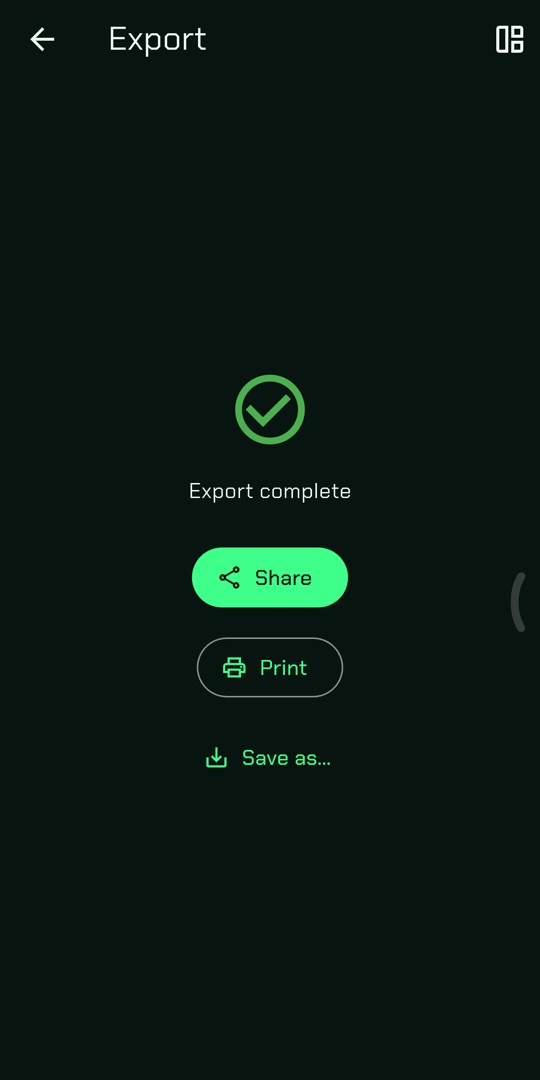
Download the finished file into the app, open it, or share it with any other app on your phone.
We don't show ads, sell data or track you across apps. Read exactly what is sent, who processes it and how long it is kept.